
VAR2’s Open Studio
One idea.
Entire worlds.
An image becomes a campaign. A frame becomes a video. Guides to creating with AI, with the results, working screens, and prompts behind them.
How we created this campaignBrowse all guides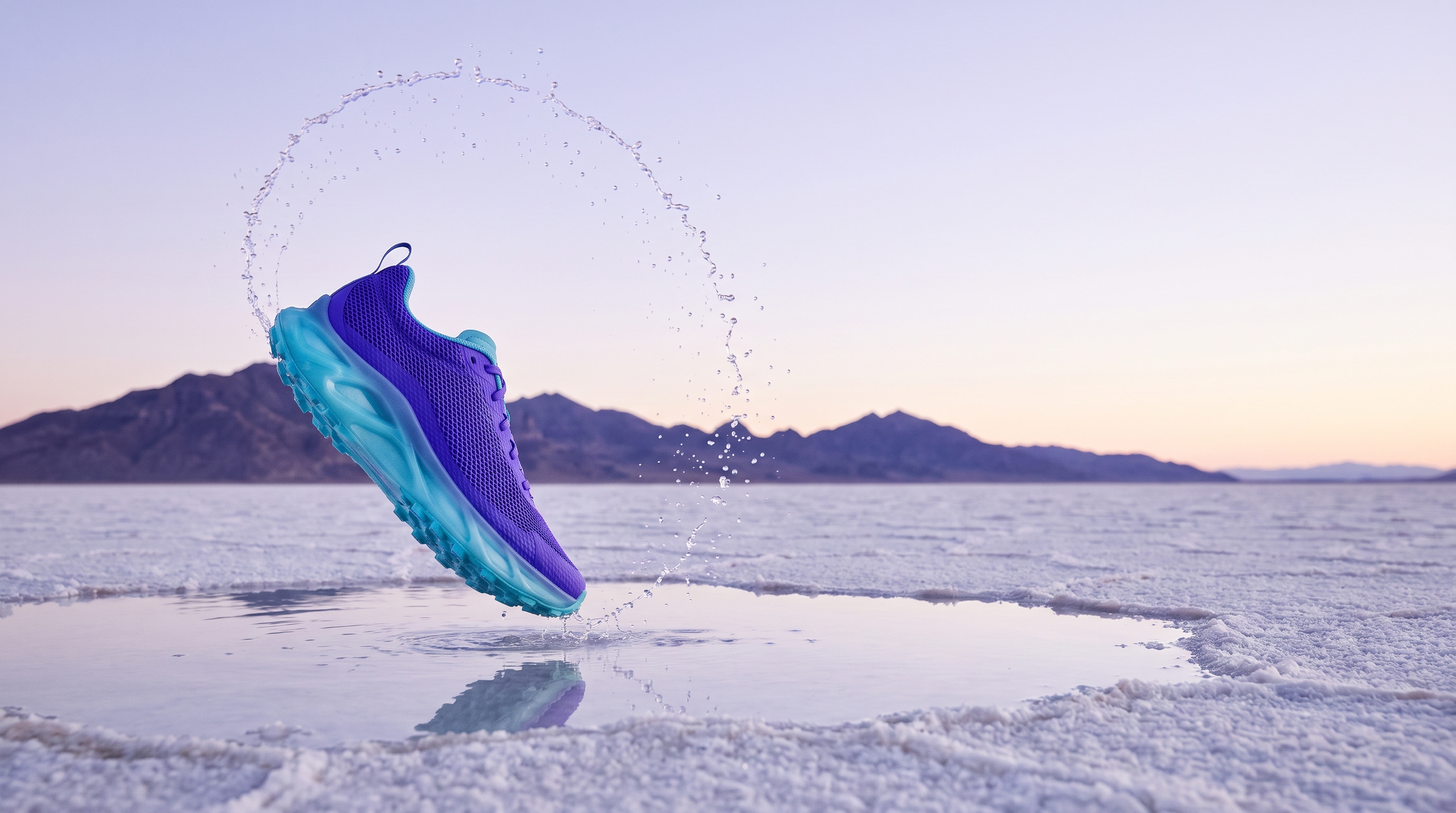
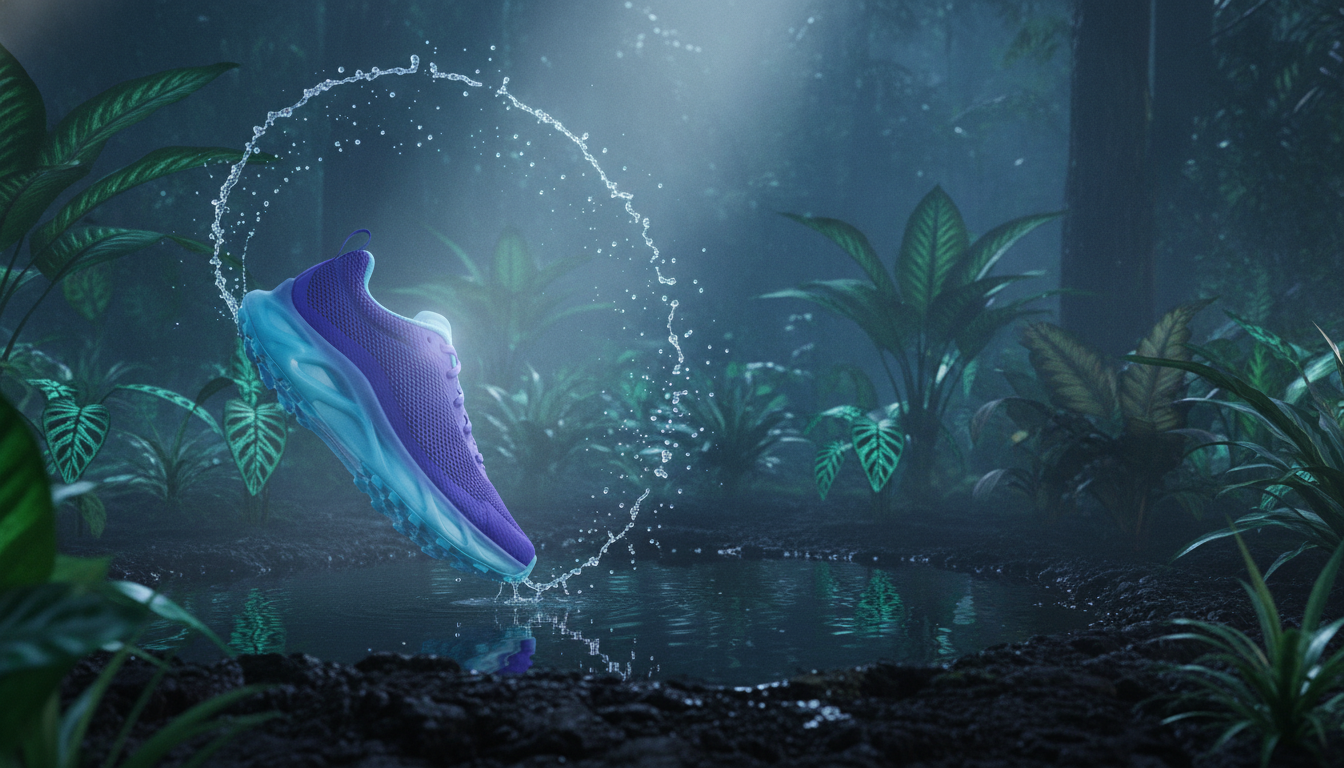
The result. And the process behind it.
We open the project to show what we did, what we changed, and what to check.
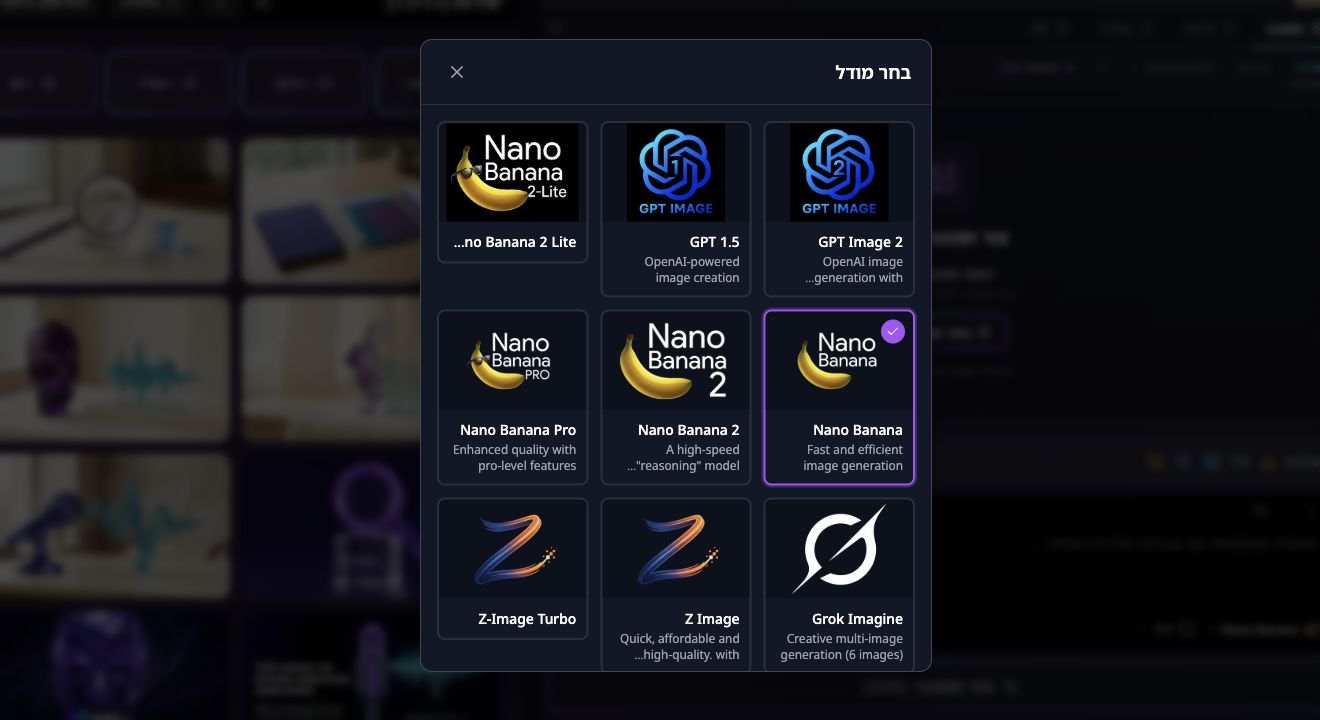
Every step stays
in the same project.
Sources, variations, and results, with access to editing, video, and finishing tools. Connect your next idea with what you have already created.
Tour the workspace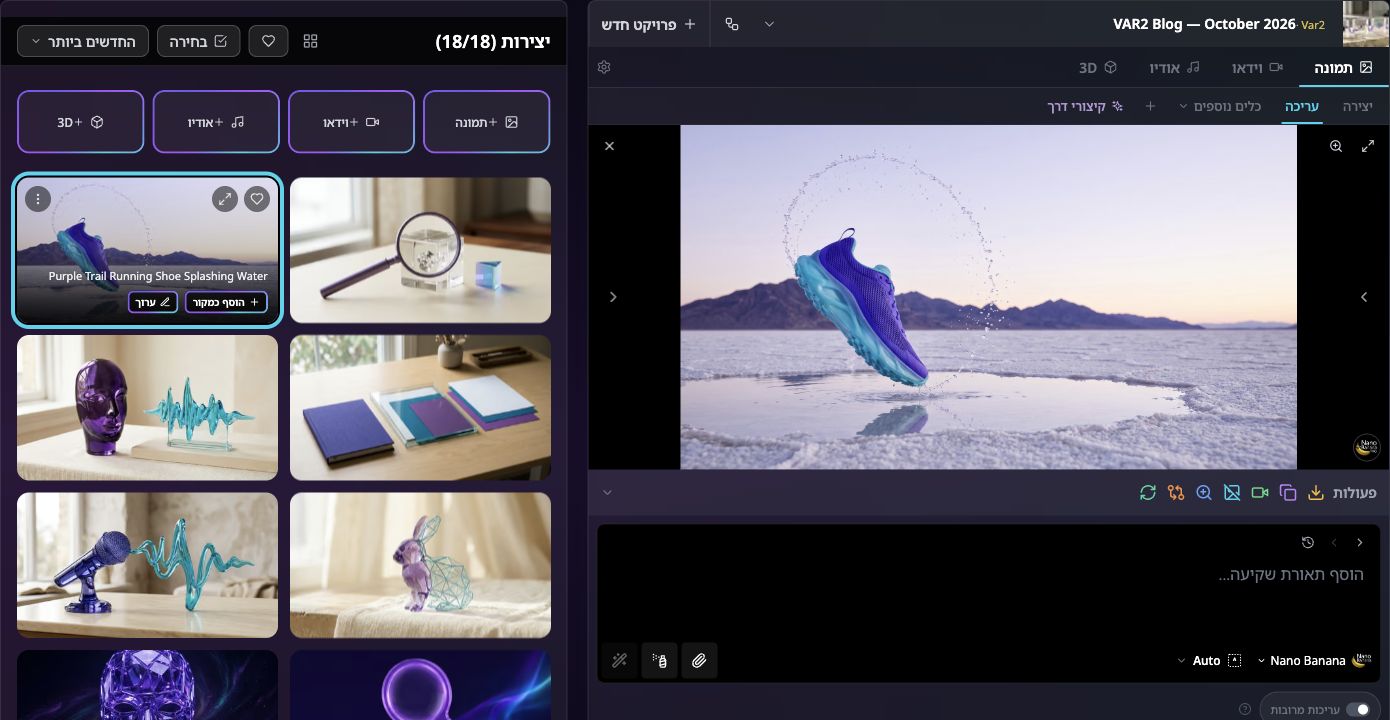
Guides you can put to work
Model selection, visual language, and production processes, with practical explanations.
-

From Image to 3D Object: A Guide to Your First Useful Asset
How to prepare a source image, evaluate Trellis and Tripo, and check geometry and textures before using an asset.
-
Hebrew AI Narration: From Written Script to Natural-Sounding Audio
How to edit a script for speech, check names and numbers, and add narration to a video without disrupting its pace.
-
Music for Podcasts and Video: Choose Its Role Before Its Style
Intro, transition, or speech accompaniment: how to write a music brief and check that the music serves the content.
-
Creating Hebrew Songs with Suno in VAR2: Lyrics, Style, and Review
How to separate lyrics from instructions, build a clear chorus, and choose a version that suits the song or the content.
-
Hebrew Text in AI Images: Working with Nano Banana Pro
Precise wording, references, and letter checks: a practical approach to Hebrew text in images without relying on promises of perfect accuracy.
-
Text to Video: Build Your First Shot in VAR2
How to turn an idea into a clear action description, choose a suitable workflow, and move from a draft to an approved…
-
AI Content Creation: A Workflow from Brief to Publication
How to connect an idea, images, video, and audio into one production with approval points and quality control.
-
Better Production: Organizing Projects in VAR2
A simple structure for projects, references, Brand Kit, and versions helps you find assets and continue working without starting over.
-
Finishing AI Images: Backgrounds, Color, and Upscaling
What to fix first, when upscaling helps, and how to check edges, colors, and sharpness before publishing.
-
Image to Video: Keeping Products and Characters Consistent
A strong base image, restrained motion, and the right references: a workflow for more consistent AI video shots.


