
VAR2’s Open Studio
One idea.
Entire worlds.
An image becomes a campaign. A frame becomes a video. Guides to creating with AI, with the results, working screens, and prompts behind them.
How we created this campaignBrowse all guides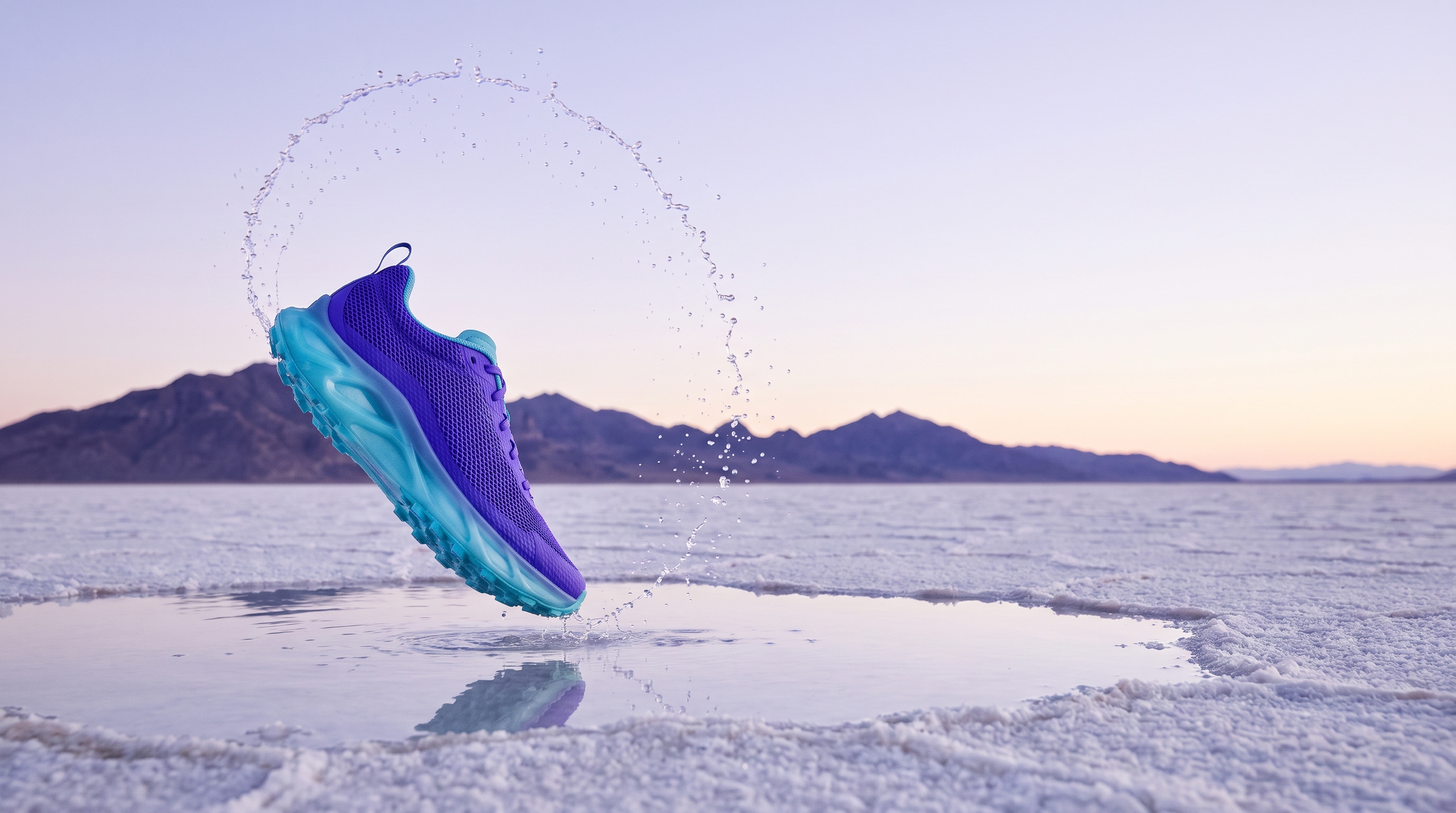

The result. And the process behind it.
We open the project to show what we did, what we changed, and what to check.
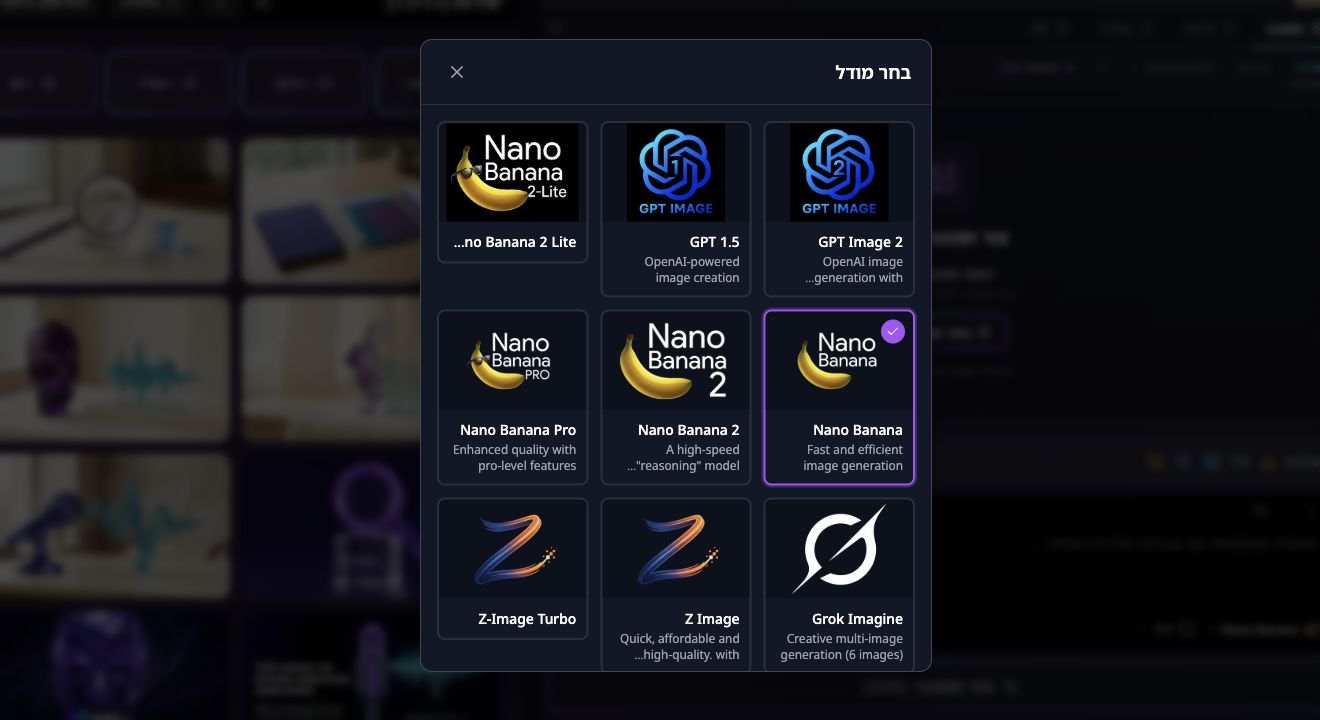
Every step stays
in the same project.
Sources, variations, and results, with access to editing, video, and finishing tools. Connect your next idea with what you have already created.
Tour the workspace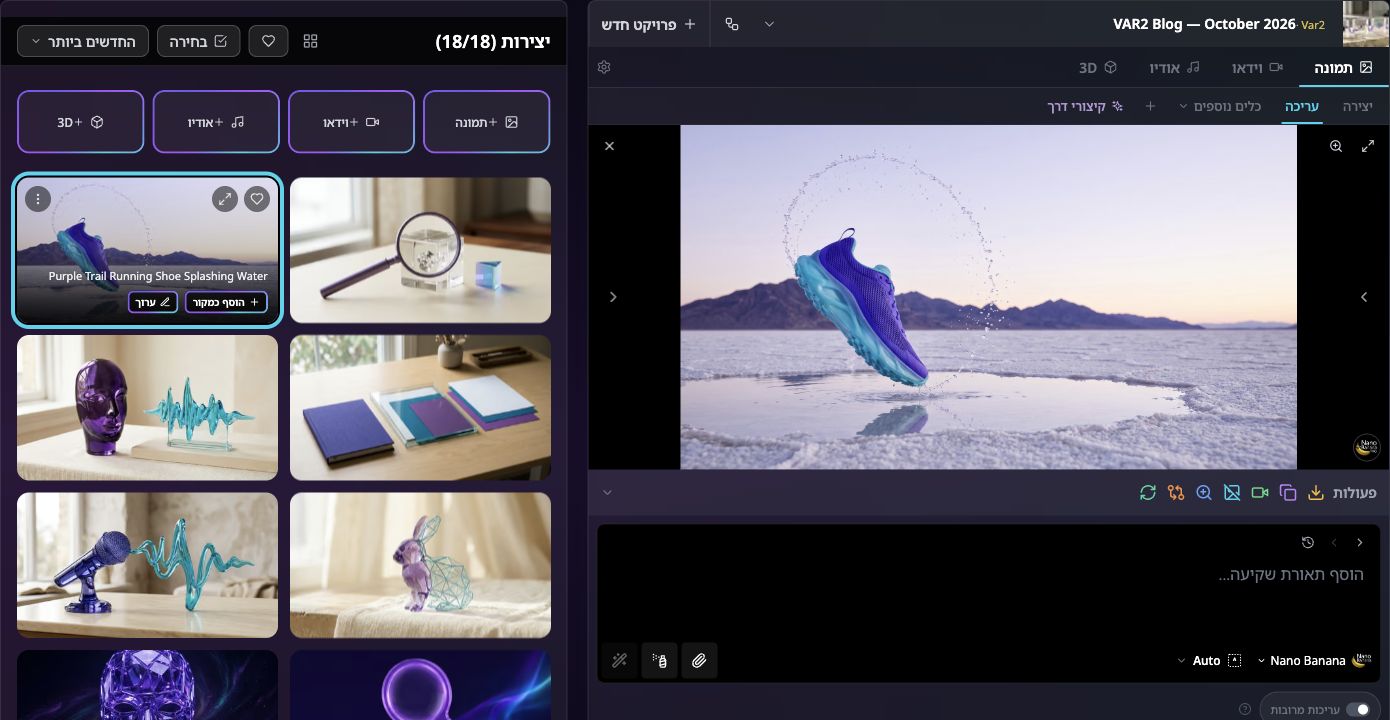
Guides you can put to work
Model selection, visual language, and production processes, with practical explanations.
-

One Script, Three Performances: ElevenLabs v4 Auto Tags in VAR2
Turn plain text into a directed voiceover with VAR2 Auto tag. Replace a tag, search alternatives and compare three real audio takes.
-
Professor Point, Ready for Layout: An AI Character with a Transparent Background
We made a new Professor Point portrait and removed its background in VAR2. See the source, transparent PNG on two backgrounds, prompt,…
-
Product Video to Thumbnail: Eight Frames, One Clear Choice
We extracted eight stills from a VAR2 shoe video. Watch the source, compare the actual frames and learn to choose a product…
-
The Tiny Disco Audition: Two Quick Assets Characters, One Image
Duke Spiral meets Madame Angle in a theatrical Nano Banana Pro scene. See both references, the exact prompt and a practical identity…
-
Quick Assets to Seedance 2.5: A Character Ad in Five Seconds
Watch a saved character become a five-second Seedance 2.5 ad. Copy the prompt, see the real Quick Assets setup and review the…
-
Swap, Transfer or Restyle? Choose the Right AI Video Edit
Replace a product, recast a scene or change its style: a practical Magic Replacer decision guide with screenshots, reference tips and adaptable…
-
From Product Video to Toy-Brick Shoe: The VAR2 Restyle Lab
One product clip, two restyling attempts: claymation and toy bricks. See the motion comparison, copy the prompts and learn what changed and…
-
Weird AI Characters That Make You Look Twice: The VAR2 Custom Lab
A geometric bob, an enormous nose and a spiral moustache: four original AI characters with Custom recipes, real interface screenshots and reference…
-
Voice-to-Voice in VAR2: Change the Voice, Keep the Performance
A guide to Voice-to-Voice in VAR2: when to start with a recording, how to choose a target voice, and how to prepare…
-
AI Product Presenter Videos: Aligning Script, Portrait, and Lip Sync
How to choose between portrait animation, Motion Control, and a product shot, and produce a clear explainer video without overloading it.


