
VAR2’s Open Studio
One idea.
Entire worlds.
An image becomes a campaign. A frame becomes a video. Guides to creating with AI, with the results, working screens, and prompts behind them.
How we created this campaignBrowse all guides
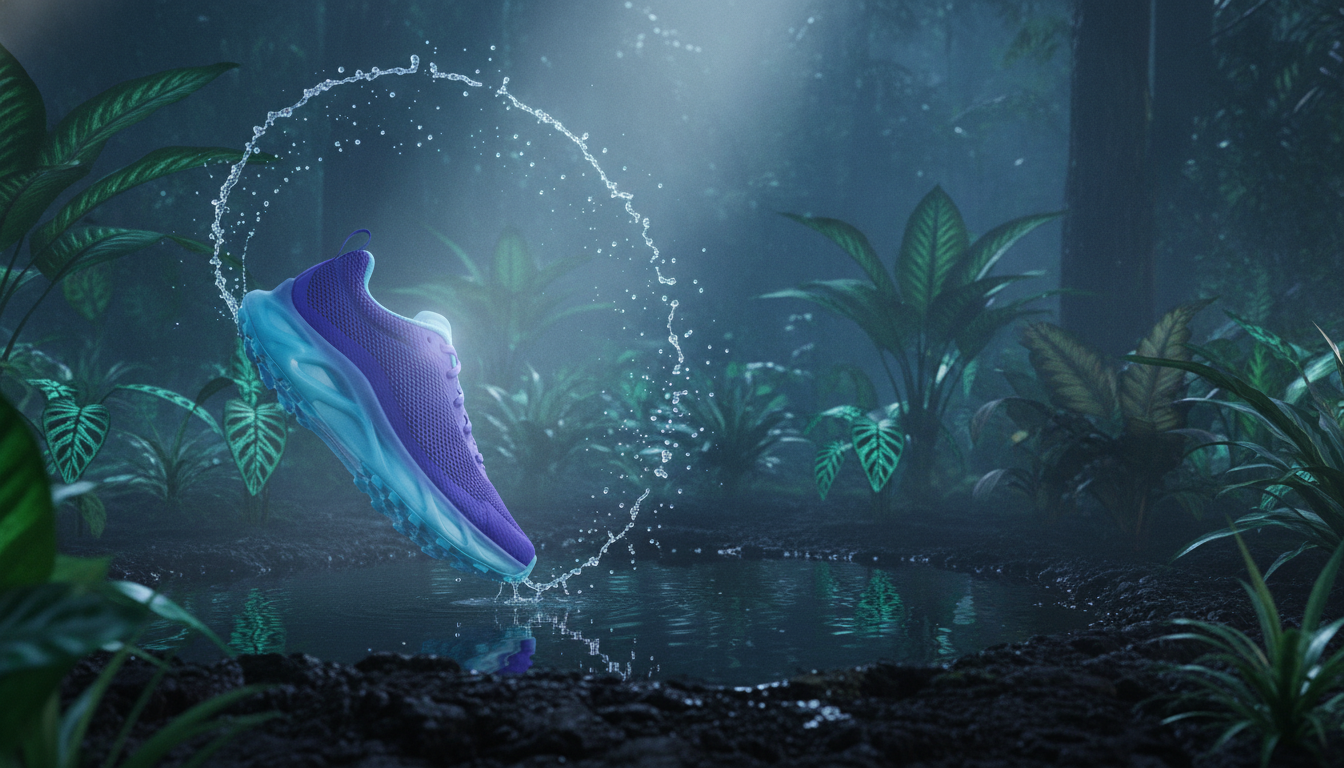
The result. And the process behind it.
We open the project to show what we did, what we changed, and what to check.
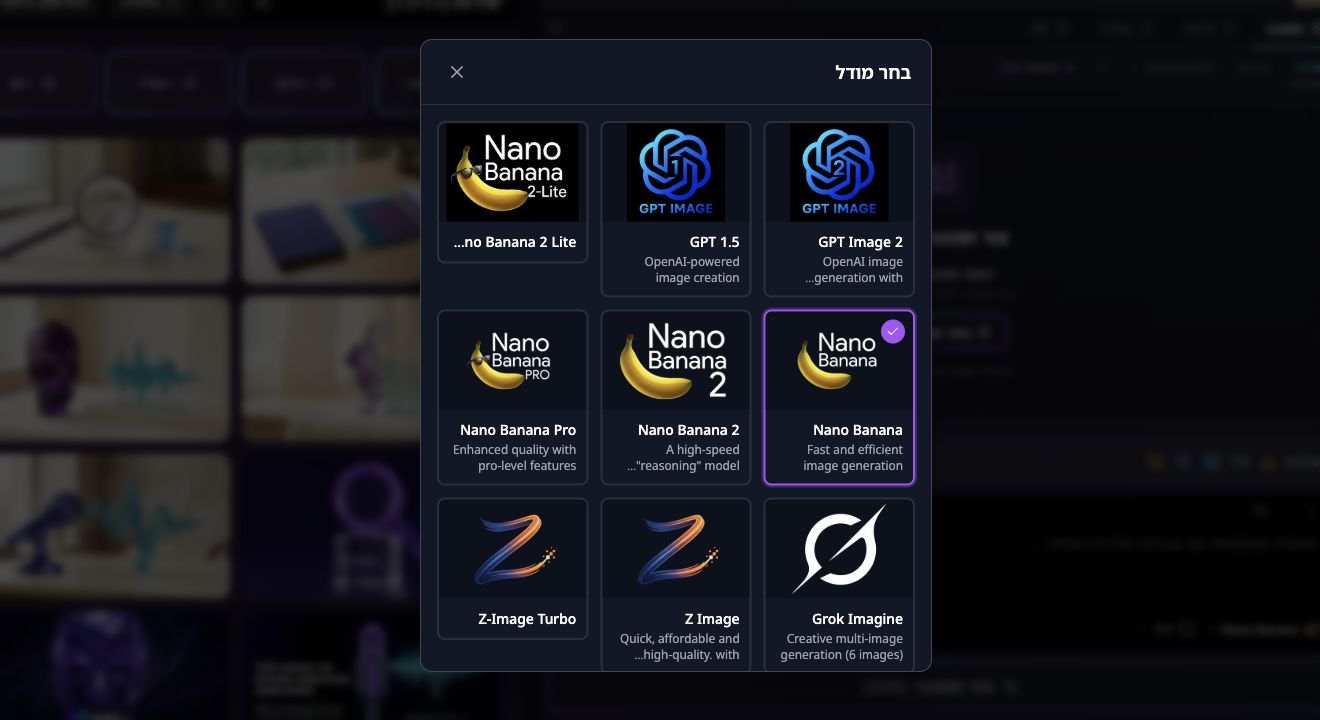
Every step stays
in the same project.
Sources, variations, and results, with access to editing, video, and finishing tools. Connect your next idea with what you have already created.
Tour the workspace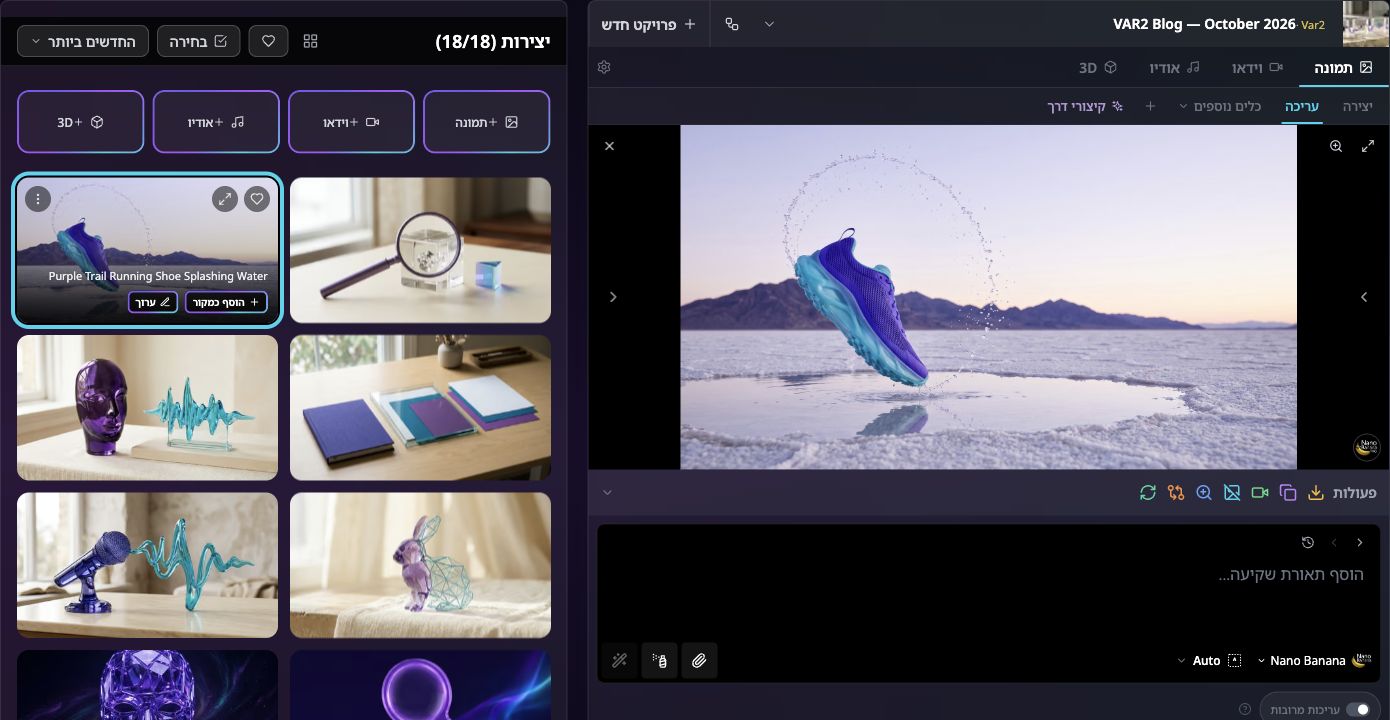
Guides you can put to work
Model selection, visual language, and production processes, with practical explanations.
-

Better Prompts in VAR2: From General Descriptions to Testable Instructions
How to use prompt-writing assistance without losing sight of the brief, and how to change one variable at a time.
-
Consistent Color in AI Video: Start with a Reference, Finish with a Check
How to reduce color shifts between shots, and when to use color correction in a video editor instead of generating again.
-
When to Let AI Fix It and When to Edit Manually
A decision framework based on the type of error: concept, structure, details, text, and finishing.
-
7 Steps to Better Photorealistic AI Images
From subject and lighting to materials and proportions: think like a photographer to write a more precise prompt.
-
AI Image Not Sharp? Diagnose the Problem Before Upscaling
Understand the difference between low resolution, blur, and incorrect details, and choose the right correction for each problem.
-
How to Compare AI Video Tools for Your Task
A practical selection framework: inputs, control, cost per attempt, and output quality instead of a list of “best” tools.
-
Eleven v4 in VAR2: Direct Emotion, Whispers, and Singing—with Audio Examples
A king discovers he is AI, and the drama begins with the voice. Watch the scene, hear an Eleven v4 example created…


