
VAR2’s Open Studio
One idea.
Entire worlds.
An image becomes a campaign. A frame becomes a video. Guides to creating with AI, with the results, working screens, and prompts behind them.
How we created this campaignBrowse all guides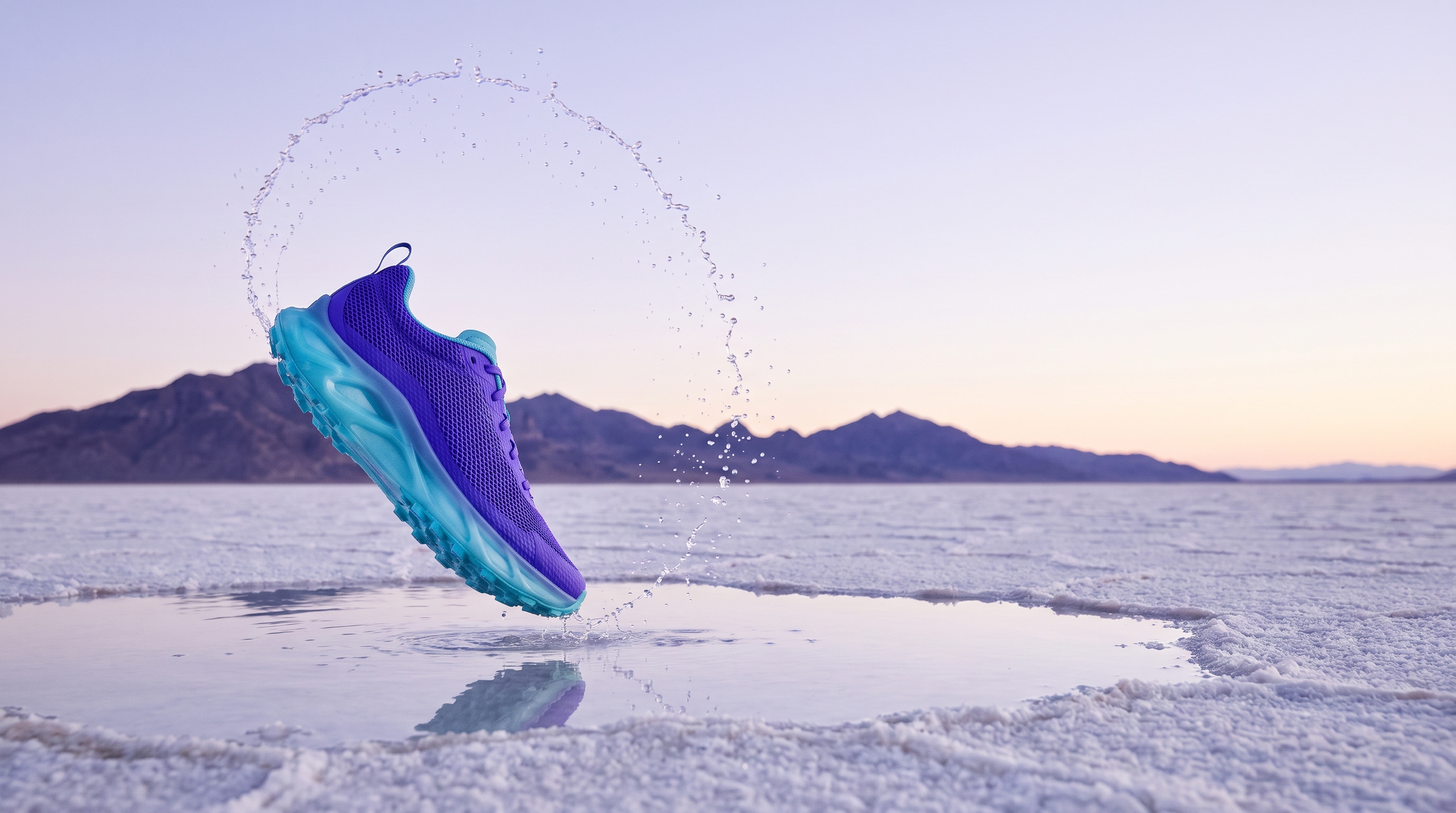
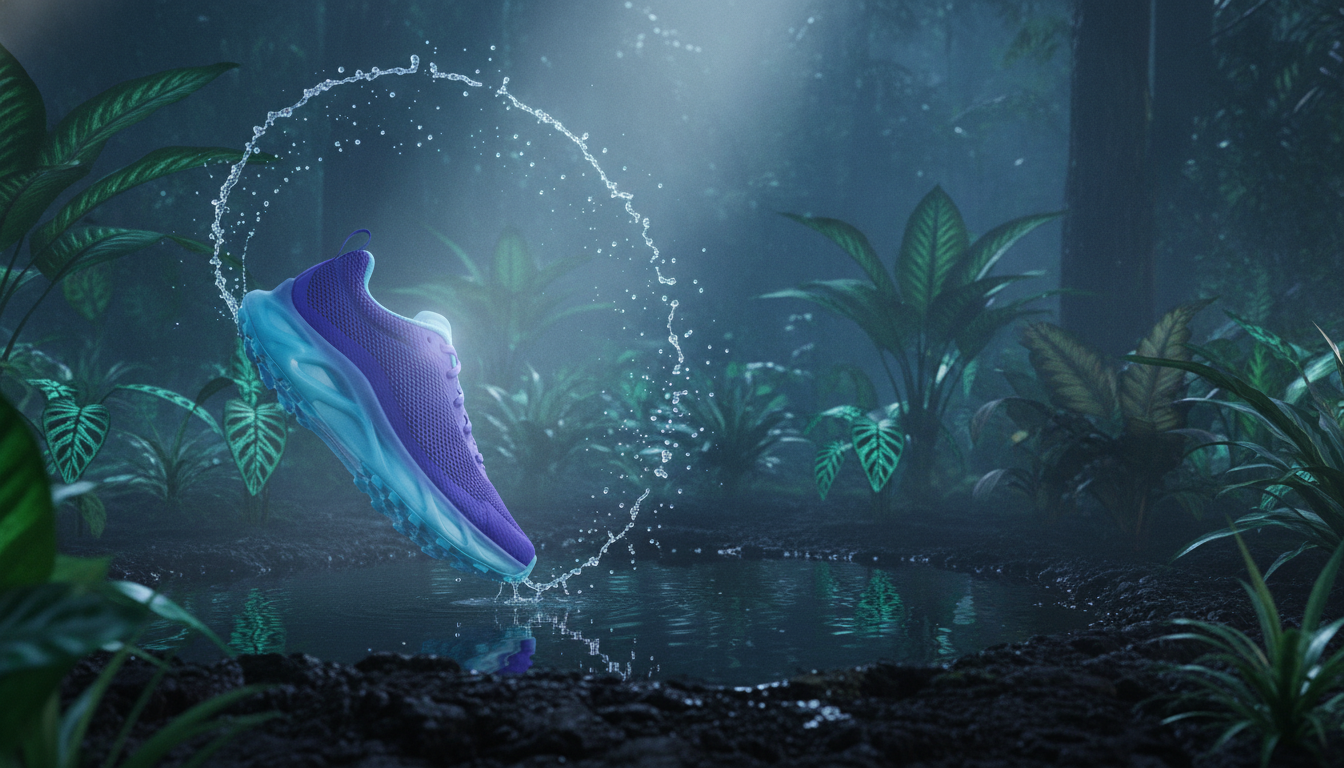
The result. And the process behind it.
We open the project to show what we did, what we changed, and what to check.
Every step stays
in the same project.
Sources, variations, and results, with access to editing, video, and finishing tools. Connect your next idea with what you have already created.
Tour the workspace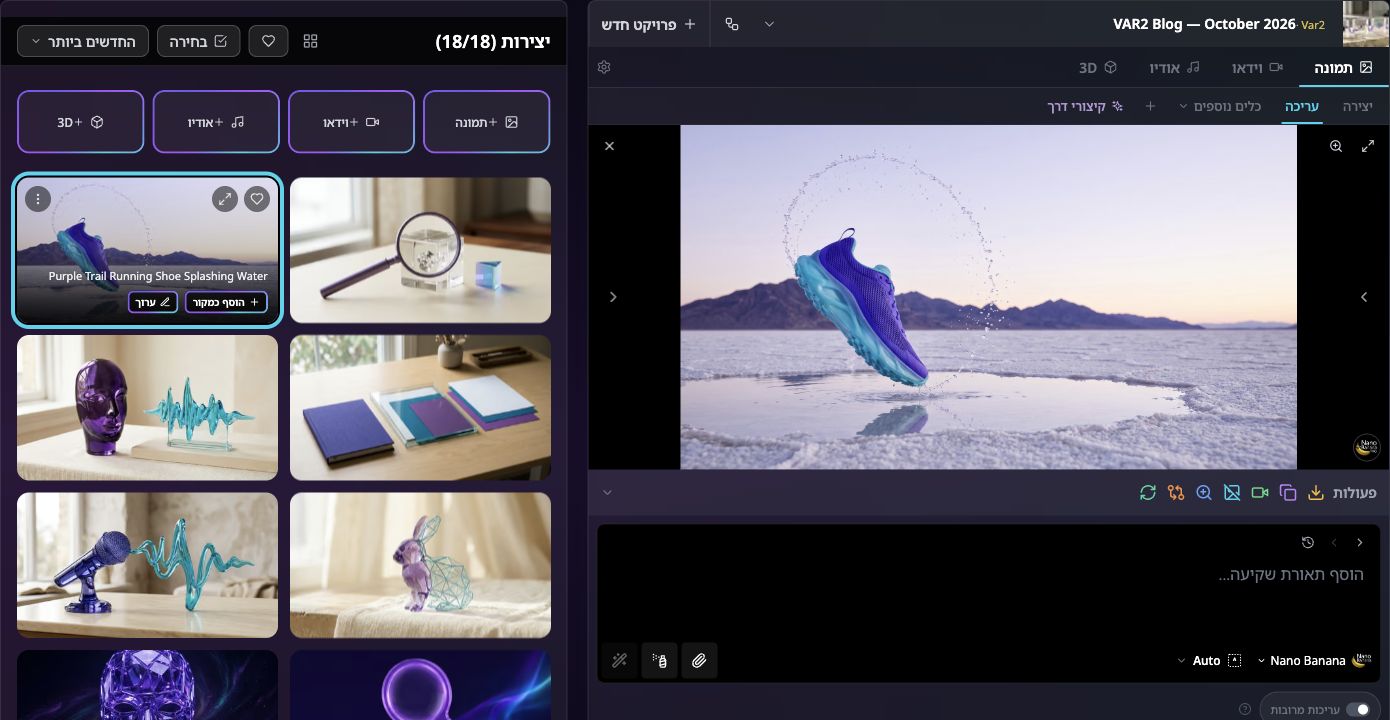
Guides you can put to work
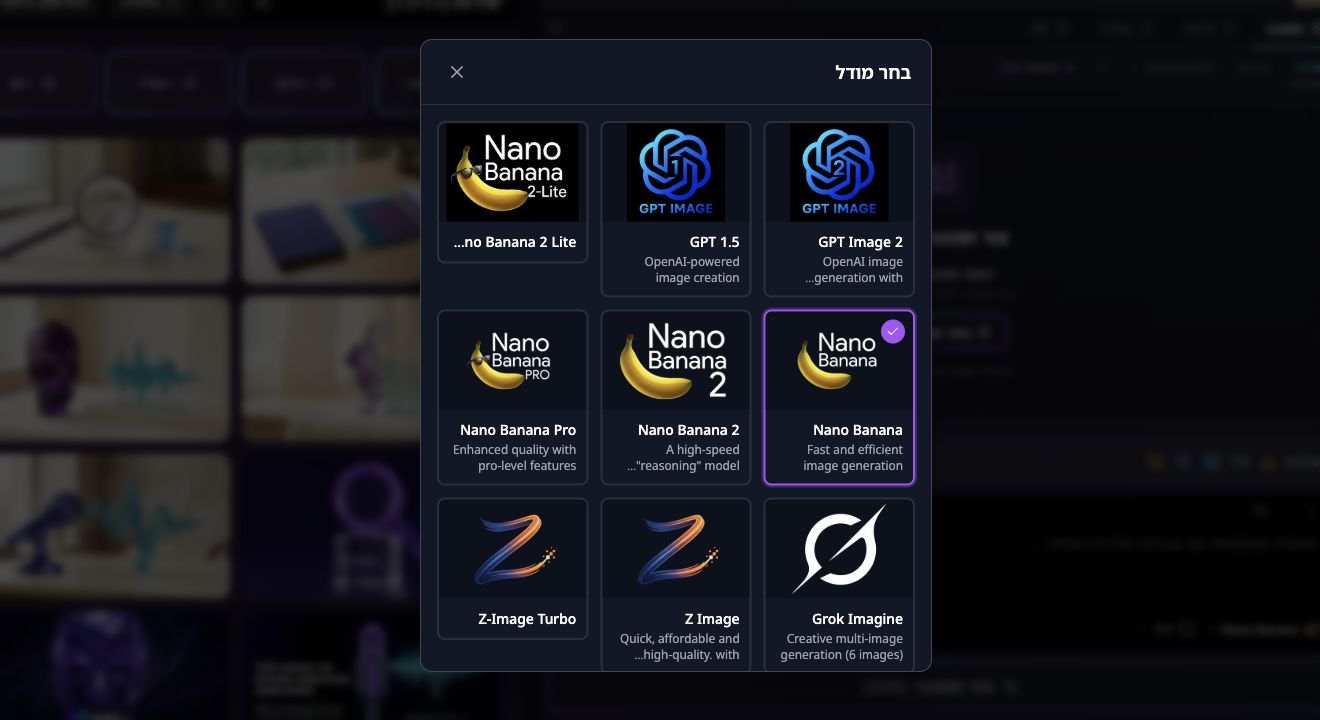
Model selection, visual language, and production processes, with practical explanations.
-

What Does VAR2 Cost? Plans and Credit Budgeting
Current plans, the difference between a credit balance and generation cost, and an example of budgeting before producing a series.
-
Brand Kit: Give Every Creation a Consistent Visual Language
From a website and inspiration images to an active brand kit: colors, typography, tone, and a reference sheet that guide your project…
-
VAR2 Workflows: Build a Repeatable Creative Process
From a prompt and source image to a finished video: build a small process, check each step, and avoid unnecessarily multiplying generations.
-
VAR2 Through MCP: From Conversation to Images, Video, and Sound
How to connect VAR2 to an AI assistant, check models and costs, and run a creative process you can review and reproduce.
-
Styles, Templates, and Brand Kit: How They Work Together
Style provides direction, a template provides a starting point, and a brand kit preserves context throughout the project.
-
VAR2 Guide: Images, Video, Audio, and 3D in One Workspace
An updated map of VAR2 capabilities and a guide to building a production with projects, Brand Kit, Workflows, and MCP.
-
Video Models in VAR2: Generation, Editing, Speech, and Motion
From Veo and Kling to Seedance, Wan, and Gemini Omni: choose a mode based on your input and the control you need.
-
Seedance in VAR2: Working with Image, Video, and Audio References
A practical guide to the Seedance family: choose a version, prepare sources, and check continuity before production.
-
AI Product Images: Preserve the Product, Change the Environment
How to use a reference, choose a background and lighting, and check that the result shows what you actually sell.
-
VAR2 Image Models: Choosing Between GPT Image, Nano Banana, FLUX, and Seedream
An up-to-date model map and practical choices based on references, text, aspect ratio, speed, and budget.


